If your front teeth look bigger in a selfie than they do in the mirror, the phone is usually the reason. Front cameras use a wide lens held close to the face, and at that distance whatever sits nearest the lens, the nose and the front teeth, is enlarged while the sides of the face shrink back. Take the same photo from a few steps away and zoom in, and the proportions look much closer to what other people see.
This is a different effect from the left and right flip covered in mirror selfie versus rear camera. Flipping changes which side of your face is where. Lens distance changes the apparent size and shape of features, even when nothing is flipped.
Distance, not the lens itself, does the stretching
The effect is geometry. Something close to a camera fills more of the frame than the same thing further away. On a face photographed from arm's length, the tip of the nose and the front teeth are noticeably closer to the lens than the ears and cheeks, so they are recorded larger in proportion. From further back, those differences in distance become small compared with the total distance, and the face flattens into more natural proportions.
Wide-angle lenses are part of the story because they are what allow a whole face to fit in the frame at such a short distance. Phone front cameras use them for exactly that reason. The same principle is used in real estate photography, where a wide lens close to the foreground makes a room look larger.
The effect has been measured for the nose. Ward and colleagues, writing in JAMA Facial Plastic Surgery (2018), built a mathematical model of facial photographs and showed that pictures taken from short distances make the nose appear larger than photos taken from further away. The front teeth sit just below the nose and are similarly close to the lens, so they are affected in the same way.
What this does to a smile
In a close selfie, the front teeth can look longer, wider or further forward than they are, and the back teeth can seem to disappear around the curve of the face. Together with an enlarged nose, the middle of the face can look a little exaggerated. None of this reflects the actual size or position of your teeth.
Laptop and phone video calls often recreate the same set-up: a wide-angle camera, close to the face, sometimes looking slightly upwards. That is a common reason people first notice their teeth on a call and feel they look different from how they remember.
Step back, then zoom in
The simplest fix is to put more distance between the camera and your face, then zoom in or crop to fill the frame again. A phone's telephoto or 2x setting, or a photo taken by someone else from a couple of metres away, gives a much fairer picture than a selfie at arm's length. Portrait photographers favour longer lenses and more distance for the same reason.
For video calls, sitting further back from the screen or using a separate camera placed further away reduces the effect. Raising the camera to eye level also helps.
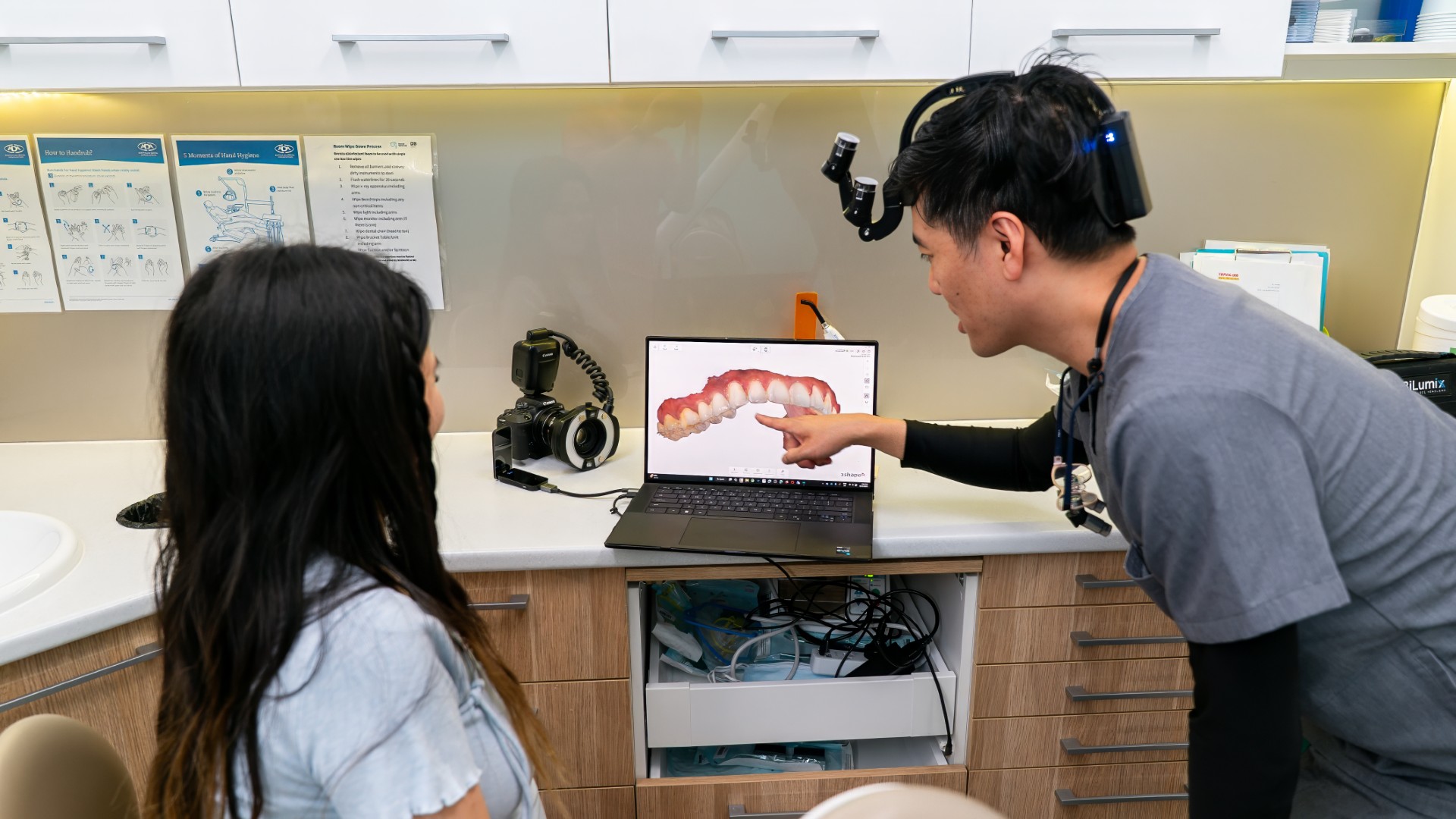
Clinical dental photographs are taken in a similar way, from a set distance with consistent lighting, so the images can be compared fairly over time.

Filters and automatic corrections add another layer
Many phones now apply automatic face corrections or beauty settings in software after the photo is taken. Some of these partly offset lens distortion; others smooth or reshape features in ways you did not ask for. Because different phones and apps process faces differently, the same smile can look different across devices without anything about your teeth changing.
Manual edits are a separate step again. Knowing which changes come from the lens, which come from software and which are real makes it easier to judge your smile fairly.
How common set-ups compare
| Set-up | Nose and front teeth | Sides of the face |
|---|---|---|
| Selfie at arm's length | Look larger and more prominent | Look smaller, pulled back |
| Laptop video call, sitting close | Similar enlargement to a selfie | Similar to a selfie |
| Photo from a couple of metres, zoomed in | Close to true proportions | Close to true proportions |
Check the photo before you judge the teeth
Before deciding your front teeth are too big or too far forward, take two photos: one selfie at arm's length and one from a few metres away, zoomed in, in the same light. If the second looks fine, the first was showing you the lens. The same kind of quick check is worth doing for other things that change how teeth look, such as glasses frames, a beard or moustache and the whites of your eyes.
Common questions
Why do my teeth look bigger on video calls than in person?
Video call cameras usually have a wide view and sit close to your face, which enlarges whatever is nearest, typically the nose and front teeth.
Do some phones distort more than others?
Yes. Front cameras differ in lens design and in the software corrections they apply, so the amount of distortion at a typical selfie distance varies between devices.
What is the fairest way to photograph my smile?
Have someone take the photo from a couple of metres away, zoomed in, in soft, even light, with the camera at the level of your mouth.
If you still have a concern about the size, shape or position of your teeth after comparing photos, a free cosmetic consultation is a sensible next step, and current offers are on the current deals page.
This article is general information only and is not a substitute for an in-person assessment.